Ad Format
AR / Try-On
Let users virtually try your product through an augmented reality camera experience.
What you'll learn in this lesson
- What this format is and when to use it
- When to avoid this format
- Supported platforms and specifications
- How to build it inside ZorgSocial
- Recommended visual styles
- Related formats to explore
Overview
What is the AR / Try-On format?
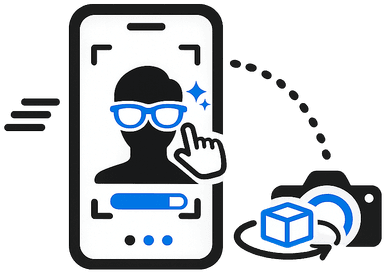
AR ads let users interact with your product through their phone camera — trying on sunglasses, previewing furniture in their room, or testing makeup shades. The try-before-you-buy experience dramatically reduces purchase hesitation.
When to Use It
Ideal scenarios for this format
- Beauty and cosmetics try-on
- Eyewear virtual fitting
- Furniture placement visualisation
- Fashion and accessories
When to Avoid
This format isn't the best fit when...
- B2B services
- Healthcare, Finance, Legal or Pharma products
- Audiences on older devices
- Low-budget campaigns
Platforms
Where does this format work?
InstagramSnapchatTikTok
Next Step
Try AR / Try-On inside ZorgSocial
Create your first AR / Try-On ad using the AI-powered Image Generator.