Ad Format
Instant Experience (Canvas)
Build a full-screen immersive mobile landing page inside the platform — no external site needed.
What you'll learn in this lesson
- What this format is and when to use it
- When to avoid this format
- Supported platforms and specifications
- How to build it inside ZorgSocial
- Recommended visual styles
- Related formats to explore
Overview
What is the Instant Experience (Canvas) format?
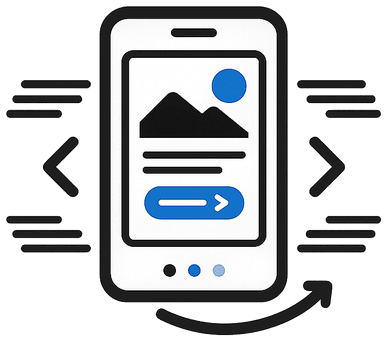
Instant Experience (formerly Canvas) opens a lightning-fast, full-screen mobile experience when a user taps your ad. It combines images, carousels, text, and CTAs in one immersive page. Available natively on Meta, with similar deep-link landing experiences on TikTok (Instant Page) and Snapchat (Story Ads). Load times are near-instant because the content is pre-cached by the platform.
When to Use It
Ideal scenarios for this format
- Product launches with rich storytelling
- Brand campaigns needing immersive impact
- Mobile-first markets
- When your landing page is slow
When to Avoid
This format isn't the best fit when...
- Desktop-heavy B2B audiences
- Simple direct-response campaigns
- When you need deep analytics on page interactions
Platforms
Where does this format work?
FacebookInstagramTikTokSnapchat
Next Step
Try Instant Experience (Canvas) inside ZorgSocial
Create your first Instant Experience (Canvas) ad using the AI-powered Image Generator.